Up and running.
In minutes.
Everything you need to set up a SOWA system. How it works, seven steps, and what every button and light means.
How it works
One Host.
Every speaker in sync.
Thyra™ links SOWA speakers without cables. One speaker is the Host. The others join it, and the audio that enters the Host plays on all of them.
Host and joiners
Thyra™Connect your audio to one speaker. It becomes the Host (blue). The others join it (green) and play the same audio.
The channel sets the mode
CH0–CH4CH0 is Thyra Link™: press to link, works with the Microphone™. CH1 to CH4 is Thyra™ Fixed, for very long distances.
Bluetooth, two ways
BluetoothPress once to stream audio. Double press to connect the SOWA App. Both can run at the same time.
CH0
Thyra Link™
- Linking
- Press to link. Several systems can share CH0.
- Range
- 200+ m line of sight.
- Volume
- From any speaker.
- Microphone™
- Yes
- Works with
- Live 6™, Live 12™, Tour 6™, FOH™, Microphone™
CH1–CH4
Thyra™ Fixed
- Linking
- Same channel, same system. One Host per channel.
- Range
- Longer, for very long distances.
- Volume
- From the Host only.
- Microphone™
- No
- Works with
- All SOWA products except Microphone™
Set up
Seven steps.
No cables.
Shown for Thyra Link™ (CH0), the mode most setups use.
Charge
Use the supplied USB-C PD 65 W charger. About 2 hours to 90%. Always charge before storage.
Update firmware
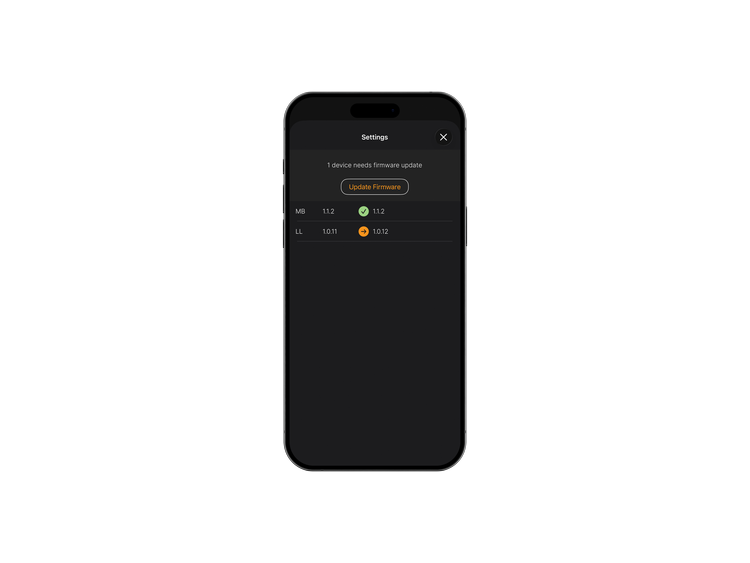
Update every unit in the SOWA App before first use. Updating the Host updates the whole system.
Learn more →Power on, pick a channel
Press Power once. Press the knob until the display shows CH, then turn to select. Put every unit on the same channel.
Link the system
Press Thyra™ on the unit that gets the audio. It becomes Host and pulses blue for 1 minute. Nearby units light white. Press Thyra™ on each to join (green). Press Thyra™ again to close linking.
Connect audio to the Host
XLR, USB-C or Bluetooth. Audio plugged into a joined unit does not play.
Add the Microphone™
CH0 only. Press Thyra™ on the Host so it pulses blue. Hold the microphone button until its light pulses white. Linked when it turns green.
Open the SOWA App
Double press Bluetooth on the Host and pick it in the app. Mixer, levels, battery, signal and firmware for every unit.
Learn more →Reference
Every button.
Every light.
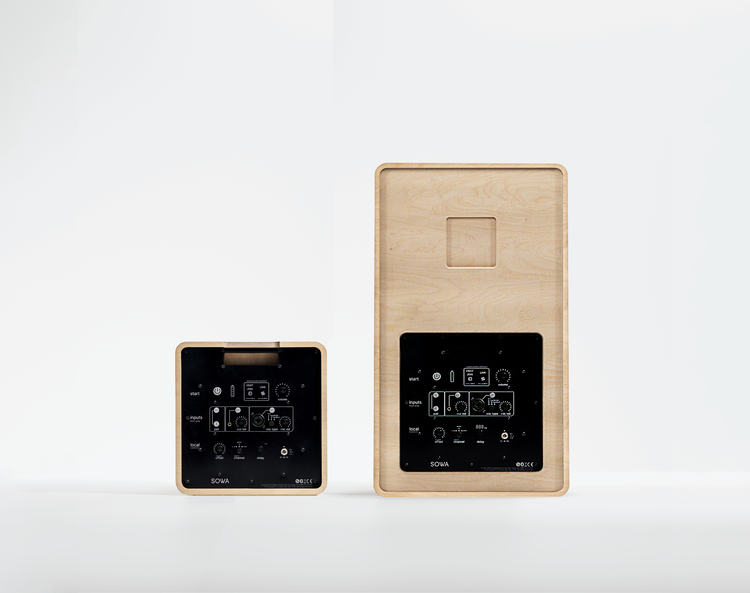
Tap a button on the panel to see what it does. A press is under 1 second. A double press is two presses within 0.5 seconds.
Product guides
Go deeper.
Product by product.
Features, settings and answers for each product.
Downloads
Take it with you.
Print, share, keep.
Print-ready guides to keep with the system.
Still stuck?
Call our support line or write to us. We are happy to help.