
Firmware update
Use the app to firmware update your system.
Here is a visual guide to update your SOWA speakers. To be able to download the app you need a Apple device with at least IOS 16.6. How to download the app will be showcased in below. For the complete manual, check the button below.
Find the speaker
Press the Bluetooth button on the speaker and open the app to find your speaker. It will display available units.
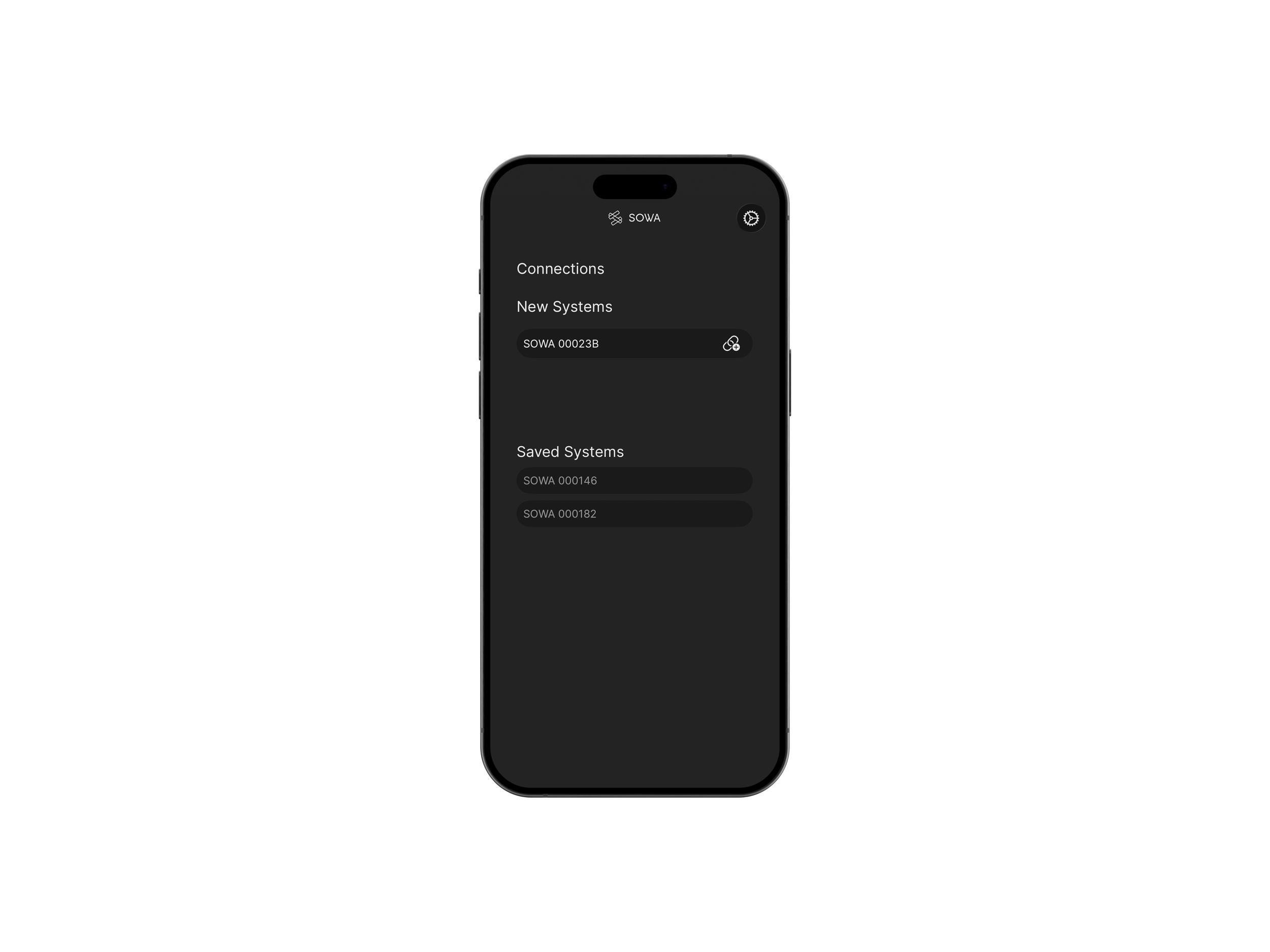
Locate speaker to update
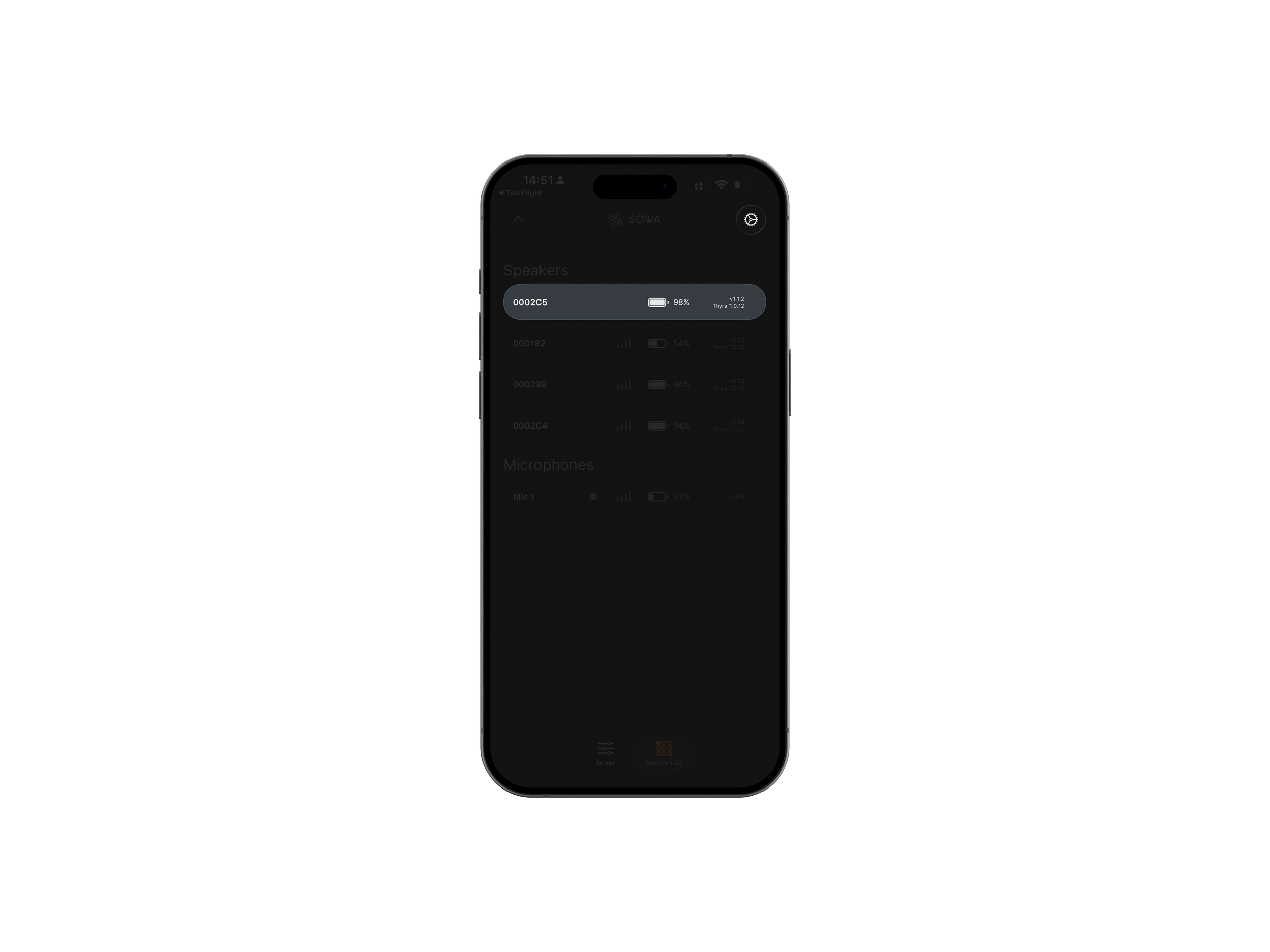
Find the correct unit and click the gear icon in the top corner.
Initiate update
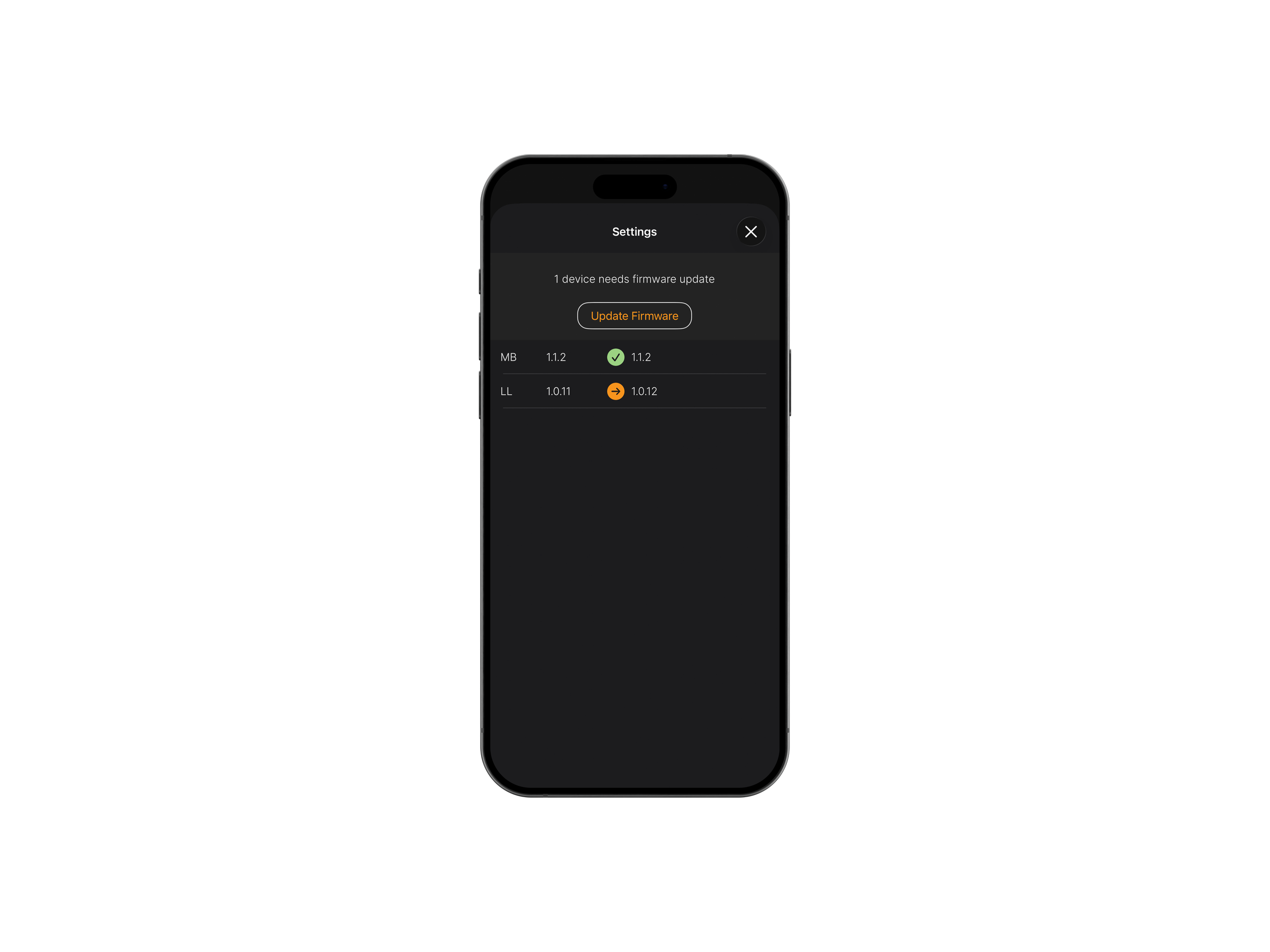
Click ‘Update Firmware’ and the download will start.
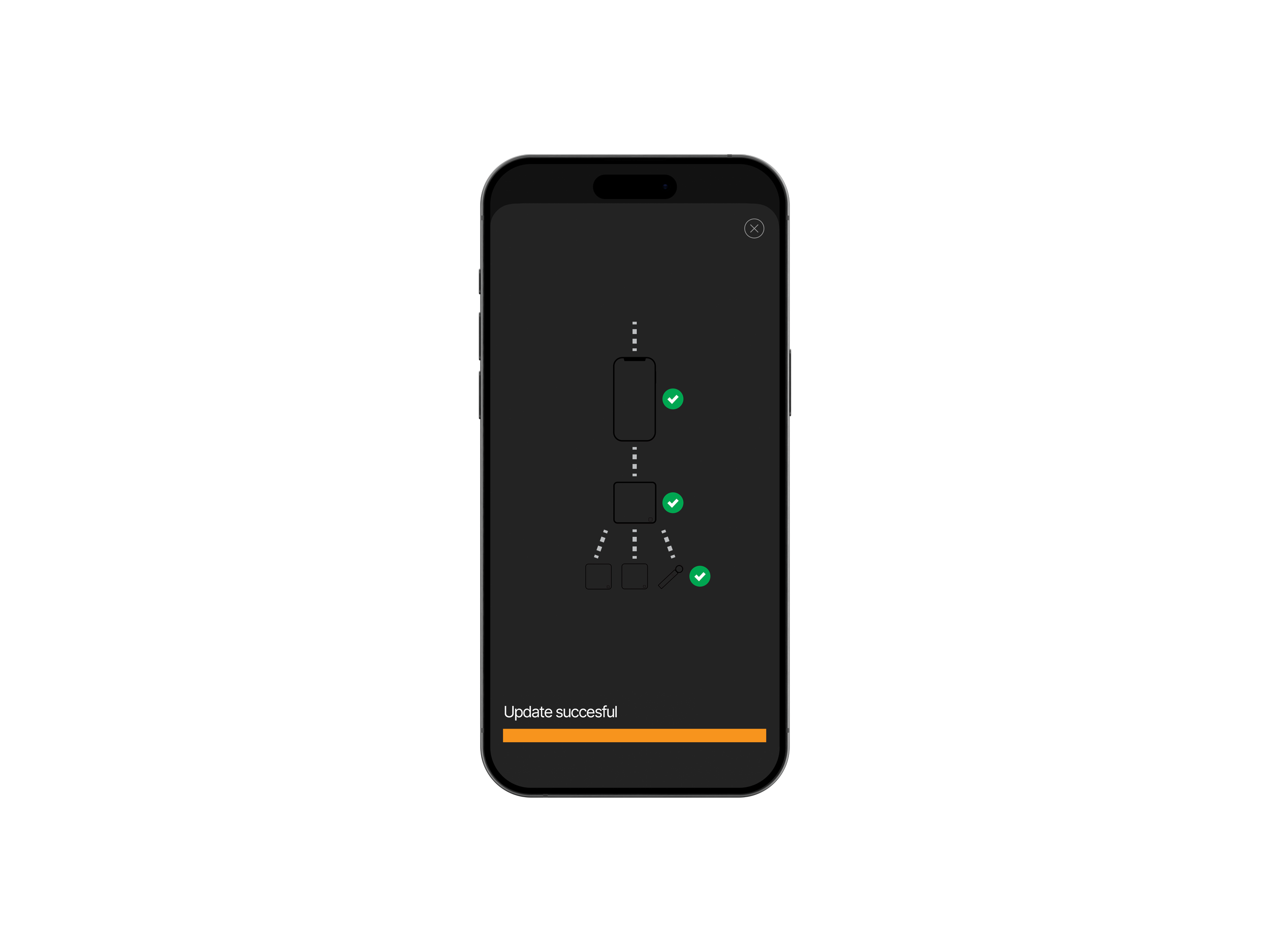
Update succesful
Congratulations! Your speaker and its connected system has been updated and is ready to play.
Frequently asked questions
-
Yes. Updating the host unit starts a firmware update for the whole system, so all units update.
-
Sometimes, after updating a speaker, you may need to restart the app to confirm that the new firmware has been successfully installed.
-
The update can sometimes take a bit longer than expected for a few reasons:
You may be installing multiple firmware updates at once
You might be updating more than one unit simultaneously
Your Bluetooth connection may not be completely stable.
Firmware update required.
We have identified a firmware issue affecting certain SOWA Live 6, Live 12, Tour 6, and FOH units running firmware versions 1.0.7–1.1.0. These units cannot be updated via the SOWA App and require a peer-to-peer update from a device running firmware 1.1.1 or later.
This is particularly relevant when using the new SOWA Microphone™, as it requires firmware 1.2.0 or newer. Please contact your regional distributor for recommended actions, and update procedures.
Read the full manual
Didn’t find what you were looking for?
If there was no answer for your question please do not hesitate to reach out to us and we will answer you as quick as possible.
support@sowasound.com
(45) 42 70 70 75
Dortheavej 6
Copenhagen, DK 2400